
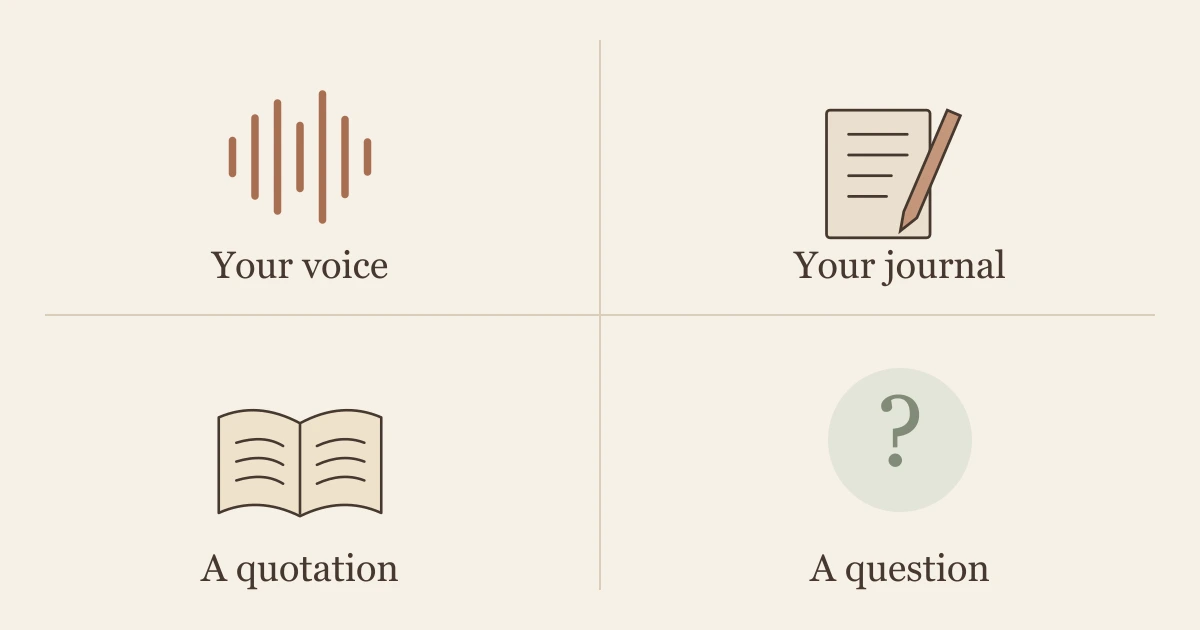
Start with the reason you want to switch
Looking for an alternative to the I am affirmation app by Monkey Taps on iPhone? Investigate Luminora for quotations with the story behind them, ThinkUp for your own recorded voice, stoic. for journaling, and Motivation for quotations by topic. The useful alternative depends on the activity you want to add or change. This guide compares apps; I AM & CO’s cards and stationery are a separate product category.
This guide refers to I am – Daily Affirmations by Monkey Taps, US App Store ID 874656917. Its official description includes affirmations, reminders, and widgets. It also has a Practice feature, so it would be inaccurate to reduce it to a passive text feed. Apple / Monkey Taps; Practice help.
Before replacing I am, check these settings
- If reminders are too frequent, the publisher documents controls for frequency, time, days, and sound. Try those before treating notification volume as a reason to move. Reminder settings.
- If you want to engage with the words more actively, I am Practice guides repetition and allows the voiceover to be turned off. That confirms a guided option; it does not establish recording in your own voice or the current free allowance. Practice settings.
- If price is the issue, distinguish a free download from the particular feature you need. The shared help center lists a free feed, basic widgets and reminders, favorites, and collections, with broader options in Premium. Check the exact I am screen rather than assigning every feature in a multi-app help page to this app. Free and Premium help.
If those changes solve the problem, staying is a reasonable choice. You do not need a replacement simply because another app offers an activity you will not use.
Luminora: when you want the story behind the words
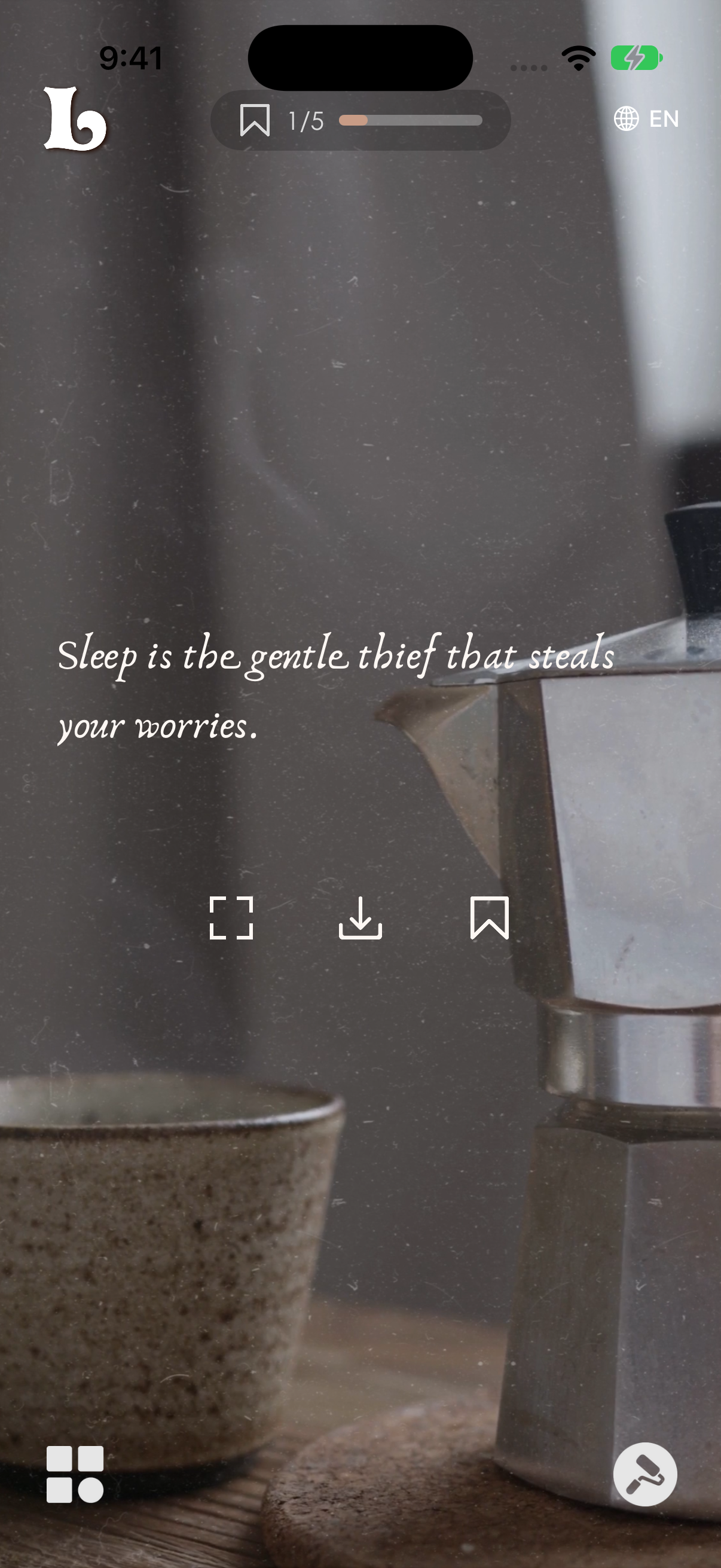
Luminora shows where a line comes from. On literary quotes in LEARN, Context opens the source, a short note on what was happening and why it was said, and a brief biography of the author. I am and Motivation show the line with buttons to share or save it; that one point was checked in both apps by the Luminora team on November 14, 2026. See a real example of Context. [14]
Luminora’s SEEK pairs a question with a quotation and an AI-assisted reflection; LEARN includes saved quotes and themed collections. On the other side of every SEEK card, Context gives the author, a short biography and the story behind the quote. Consider it when “I want to read something relevant to this situation” matters more than recording a set or keeping a journal. Bilingual reading is documented, with translation availability varying by content. Product FAQ.
A generated reflection and an attributed quotation are different kinds of writing. Read each critically, and check the origin of a quotation before reusing it elsewhere. For a direct two-app comparison of the text experience, see Luminora vs I am. Luminora is not a therapy service. To see the question-to-reading flow, follow the SEEK walkthrough. For two-language reading, see the English–Spanish guide.
ThinkUp: when you want to make a recording
ThinkUp describes choosing or writing affirmations, recording your own voice, and listening with music. That makes it a candidate when “I want to hear words I chose in my own voice” is the missing task. It is a less direct match if you mainly want a line to glance at without recording anything. US listing.
Test the recording and replay process before building a collection. The store says the free sample allows three affirmations; the FAQ says four. We leave that discrepancy unresolved. For the full reading-versus-recording decision, use Luminora vs ThinkUp. ThinkUp FAQ.
stoic.: when you want to write about the day
stoic. documents guided journals, mood tracking, and voice notes as well as quotes and affirmations. Its website also describes optional AI. The relevant difference is making an entry you can revisit, not simply receiving another sentence. A voice note in a journal should not be assumed to behave like an affirmation loop. US listing; Official site.
Before enabling AI, review the data choice: the site says journal entries are sent to AI providers when the feature is on, and the privacy policy explains its use of shared content. We did not independently audit those practices. If writing a personal entry is more work than you want from this routine, a journaling app may be an unnecessary change. Privacy policy.
Motivation: when you want quotations by topic
Motivation, also from Monkey Taps, describes quote topics, sharing, and widgets. Consider it when your preference is for quotations rather than affirmative statements. A switch within the same publisher is still a change of product; do not assume a subscription, saved items, or settings transfer between apps. US listing; Official product page.
Choose a topic you actually return to and inspect a few entries. Look at attribution and whether the surrounding context matters to you. Our Luminora vs Motivation guide goes further into finding, saving, and returning to quotations.
US price labels: compare the term, not just the amount
We checked US public listings on November 6, 2026. All five showed free download with in-app purchases. These entries are useful starting information, not confirmed offers, trial eligibility, or a complete map of free features.
- Luminora: Premium Monthly is $4.99 and Premium Yearly is $49.99. Exact free task limits remain an in-app check. Apple / Luminora.
- I am: named entries include $14.99 for one month, $59.99 for one year, and $89.99 lifetime as of November 18, 2026; additional entries appear too. Apple / Monkey Taps.
- ThinkUp: $7.99 monthly and $39.99 for one year are labeled; lifetime entries include both $79.99 and $99.99. Confirm the offer shown to you. Apple / Precise Wellness.
- stoic.: Premium entries include $6.99 and $39.99, while AI entries include $12.99 and $99.99. Those labels do not identify all billing periods, so we do not convert them into monthly or annual prices. Apple / Stoic app inc..
- Motivation: entries include $4.99, $11.99, and $47.99, among others; the public labels do not establish the periods for these amounts. This is not a lowest-price list. Apple / Monkey Taps.
Use one situation to make the choice
Try one ordinary situation, such as wanting to prepare for tomorrow’s meeting. This is a suggested personal comparison, not a completed product test:
- Name the output you want: a recording, a written journal entry, a saved quotation, or a question-led reflection.
- Try to create that output before subscribing. Note any paywall and whether the task asks for more speaking, writing, or attention than you want to give.
- Close the app and try to find the result again. Check the actual save and return behavior rather than relying on a feature name.
- Keep the option that fits your intended activity and budget. If your current app still fits, keep it. If none fits, a written note may be sufficient.
Before switching, preserve anything you care about using the old app’s supported options. Check export and import separately; this guide does not establish cross-app migration. Review an existing subscription’s renewal terms independently of installing another app. Start with a non-sensitive example while you learn the new tool’s privacy and account controls.