

Which app fits the words you want?
Start with the activity you want to repeat. Luminora is worth trying if you want to meet a situation through a quotation and a reflection. I am is worth trying if you want affirmations you can read or practice saying. Both provide ways to bring short texts into your day. The choice is about the kind of reading you want, not which app has proved a greater mental-health benefit. [4] [5] [2]
This guide compares the US iPhone and iPad listings and official websites checked November 6, 2026. Listed versions were Luminora 2.0.1 and I am 7.8.0. We did not install these versions, complete onboarding, buy subscriptions, or test delivery reliability. The feature table reports official descriptions; the suggestions below are our editorial judgment. [1] [3]
What each app tells you about a line
Tap an affirmation in I am and you can share it or save it. The statement is the whole card. That fits what an affirmation is: a sentence written to be said in your own voice, so there is no author to explain. [3]
In Luminora, a literary quote in LEARN has a Context button. It opens the source of the line, a short note on what was happening and why it was said, and a brief biography of the author. If part of what you want from daily words is to know where they come from, this is the clearest difference between the two apps. See a real example of Context. [11]
In LEARN, Context appears on literary quotes. Short reflections with no author have no Context.
Updated November 14, 2026. This one item was checked in both apps by the Luminora team. The rest of this guide still rests on the listings and official websites described above.
A statement to practice, or a passage to consider?
An affirmation asks you to engage with a statement, often in the first person. For example, “I can take one small step” is an original example written for this guide, not a line copied from either app. You can consider whether it sounds like something you want to say to yourself. A quotation starts with someone else’s words. You can agree, disagree, notice an image, or ask what the passage means in your own situation.
I am’s website centers on affirmations selected by life category. Its official Practice guide describes guided repetition, an optional voiceover, and settings for session length, topic, and theme. If speaking or rehearsing a line is the activity you are looking for, that is a concrete reason to investigate I am. We have not confirmed the current free allowance for Practice. [4] [5]
Luminora’s SEEK takes a question and offers a relevant quotation with a reflection. Every SEEK answer includes Context on the other side of the card, with the author and a short biography. LEARN provides a place to save quotations and revisit available translations. The quote and the AI-assisted reflection are different kinds of text: an interpretation should not be read as the quoted author’s own words. This documented combination may fit readers who want to linger over a passage or connect it to a particular question. [2]
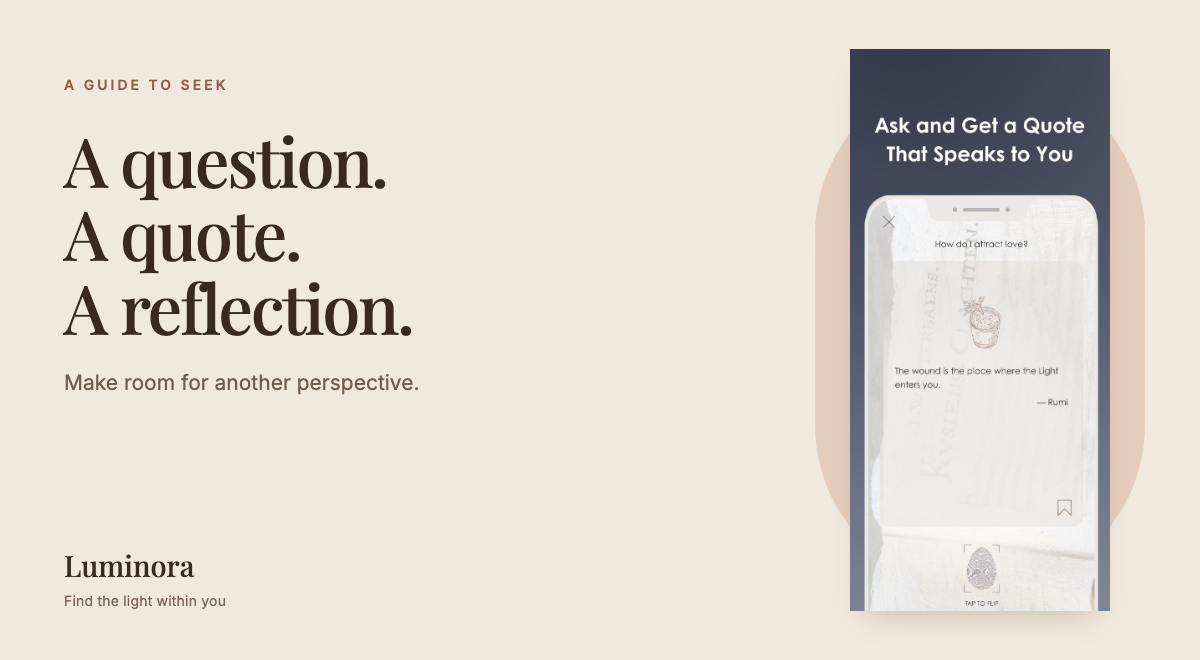

For the question field, quotation card, and saving options, read the Luminora SEEK guide.
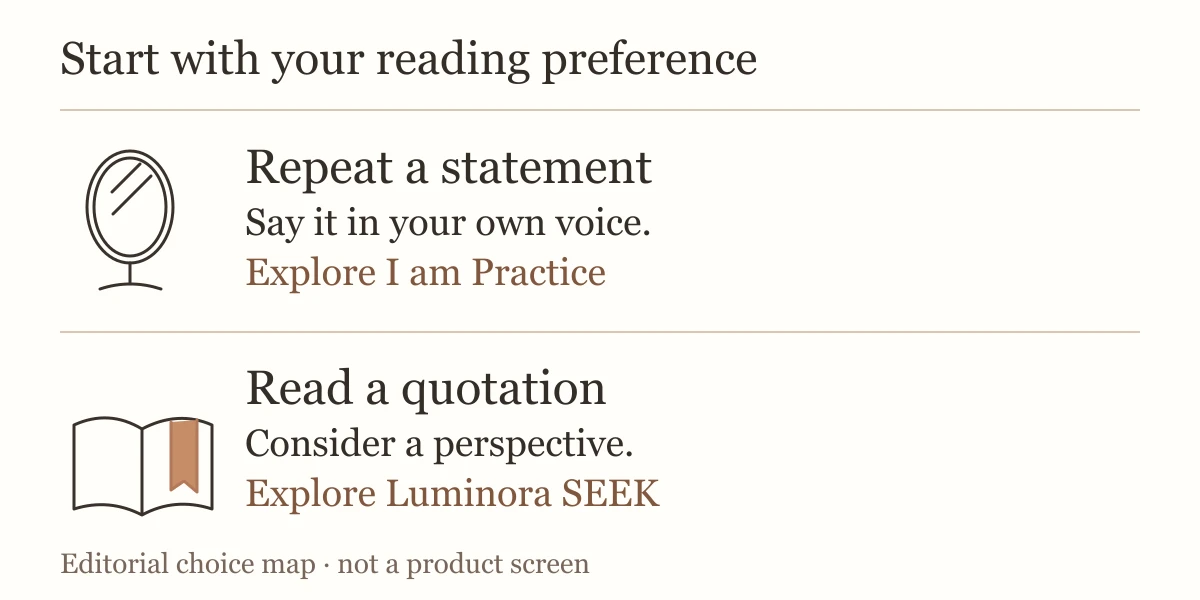
Compare the same moment, without pretending we tested it
Imagine finishing a difficult conversation. You might want a sentence to rehearse, or you might want another writer’s perspective. Neither preference requires you to declare that one form works for everyone. Here is a practical evaluation you can do before paying:
- Name the activity: “I want to repeat a short statement” or “I want to read and think about a quotation.” Keep the question the same while you compare.
- Try the relevant route: I am’s documented categories and Practice, or Luminora’s documented SEEK and LEARN. Notice whether the actual wording feels useful to you.
- Save one item and return to it. Check whether you can find it again, what information accompanies it, and whether any desired action opens a subscription screen.
- Set only the reminder or widget you want. Check the offer on your device before accepting a trial or subscription.
These are suggested checks for your own use, not a report of our clicks. In particular, we have not verified comparative onboarding effort, how accurately SEEK matches a question, or the completeness of quotation attribution in either library.
Reminders and saved words are not exclusive to either app
A quote-led app does not automatically have the better collection system, and an affirmation app does not automatically have better reminders. Luminora documents Home Screen widgets, customizable reminders, and saved collections. Monkey Taps documents collections and reminder controls for content, frequency, time, days, and sound. Decide which controls you need, then verify them on your device. [2] [7] [8]
For language needs, the US listings show six languages for Luminora and fourteen for I am, including English and Spanish in both. A language list does not establish that two translations appear together. Luminora documents bilingual reading, with availability varying by content; we have not confirmed a comparable paired-language view in I am. [1] [3] [2]
What is free, and what do the US prices mean?
Both apps are free to download with in-app purchases. On November 18, 2026, Luminora’s US listing showed Premium Monthly $4.99 and Premium Yearly $49.99. I am showed explicitly labeled options of $14.99 for one month, $59.99 for one year, and $89.99 for Lifetime, alongside other entries without a clear duration. These are listed purchase options, not a promise of the offer any particular account will receive. [1] [3]
Monkey Taps’ help center identifies a free feed, basic topics, favorites and collections, sharing, basic widgets, and basic reminders. Premium adds expanded topics, themes, widget controls, and other benefits. Luminora’s current public information does not give a complete free quota or feature-by-feature entitlement table. We therefore cannot tell you that all SEEK questions, translations, or collections are free. Check the in-app offer in each product; trial eligibility and renewal terms also need to be read there. [6] [2]
Our recommendation by preference
- Choose Luminora to investigate quotation-led reflection. Its documented question-to-quote route, saved reading, and bilingual content are the reasons to try it.
- Choose I am to investigate affirmation practice. It has a documented repetition mode and category-based affirmation selection. Start there if that is the activity you want.
- If cost is the deciding factor, try the needed task first. A lower labeled subscription price does not tell you whether the free version or paid features fit your needs.
Check compatibility before downloading: the current listings require iOS/iPadOS 17.4 or later for Luminora and 18.0 or later for I am. For data practices, read the Luminora policy and Monkey Taps policy. We did not audit either product’s data handling. [1] [3]