
Luminora vs ThinkUp: Read a Reflection or Record Your Voice?

By Luminora TeamPublished Updated Sources checked

From the team behind Luminora. How we write and check articles.

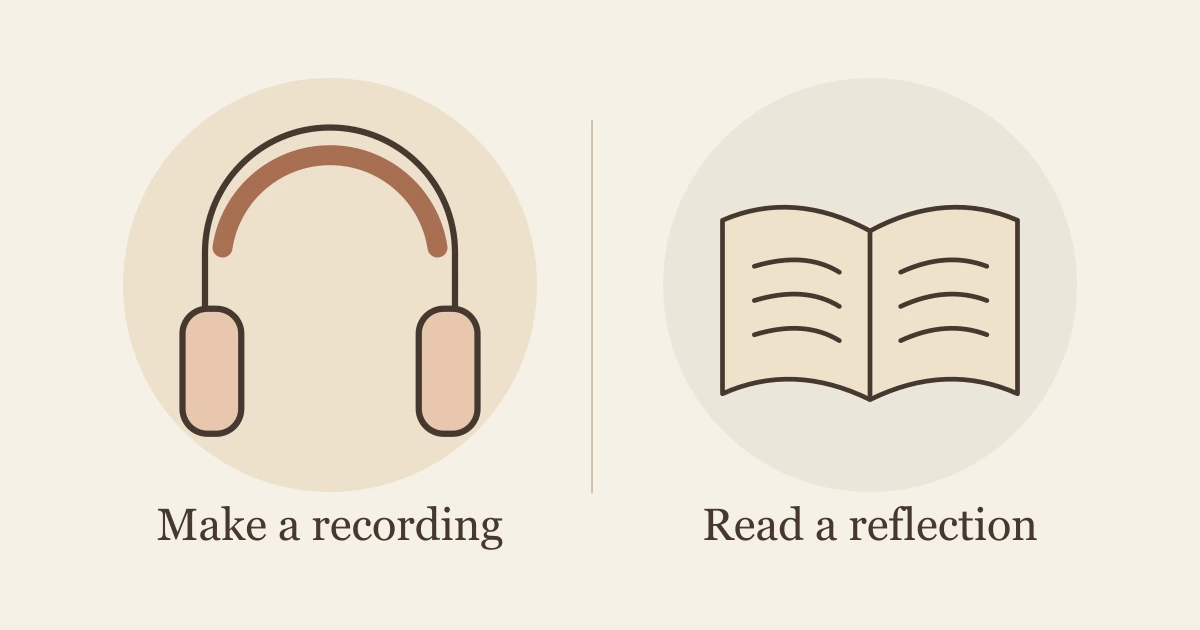
Headphones and an open book represent recording and reading.
Original editorial illustration of recording and reading; not product interfaces. Source: Luminora Team

Published by the team behind Luminora, one of the apps discussed here. We reviewed public official documentation on November 6, 2026; this is not an independent review or a hands-on test. Recommendations describe activity fit, not measured health outcomes.

Luminora and ThinkUp: the task comparison

Published by the Luminora team, which makes Luminora. We have a commercial interest in Luminora. This is a publisher comparison, not an independent review.

US iPhone product listings and official documentation. No purchase, installation, timed task test, or health-outcome comparison was performed. Checked November 6, 2026.

“Not confirmed” means we have not established the answer. An omitted feature in a store description is not evidence that the feature is absent.

Swipe the table horizontally to compare the apps.

Luminora and ThinkUp: the task comparison; checked 2026-11-06
Task or featureLuminoraThinkUp
Start with a personal questionConfirmed support

SEEK pairs a question with a quotation and an AI-assisted reflection.

Not confirmed

A question-to-quotation reflection workflow was not established in the reviewed sources.

Record affirmations in your own voiceNot confirmed

A self-recorded affirmation playback workflow was not established.

Confirmed support

Choose or write affirmations, record them, and listen with background music.

Keep words to revisitConfirmed support

LEARN includes saved quotes and themed collections.

Confirmed support

Keep a set of recorded affirmations; Premium documents playlists.

Home Screen quote widgetConfirmed support

Home Screen quote widgets are documented.

Not confirmed

This specific widget task was not confirmed; do not read this as absent.

Language taskConfirmed support

Bilingual reading; available translations vary by content.

Confirmed support

The FAQ describes writing and recording your own translated sentences; this does not establish built-in translation.

Free starting pointConfirmed support

Free download with IAP. Current task limits require an in-app check.

Confirmed support

Free recording sample with default music. Store says three affirmations; FAQ says four, so the current limit needs confirmation.

Which experience are you looking for?

Choose Luminora to read a quotation and reflect on a question. Choose ThinkUp to build a repeatable recording in your own voice. Luminora describes SEEK for a question-led reflection and LEARN for returning to saved words. ThinkUp describes selecting or writing affirmations, recording them, and adding music. Luminora’s FAQ; ThinkUp’s listing.

The practical difference is what you do with the words. A reading session lets you pause over someone else’s words and consider a response to your situation. Recording asks you to decide what you want to say and speak it aloud. Neither preference establishes that an app will change your mood, motivation, or health.

Compare the same ordinary moment

Imagine you are preparing for a difficult conversation at work. The examples below are original editorial examples, not quotes from a known author, screenshots of an app response, or results from a product test.

  1. For a reflection: frame a question such as “How can I prepare for a difficult conversation without rehearsing every possible outcome?” In Luminora, SEEK is the documented place to ask a question and read a relevant quote with a reflection. Evaluate the actual response for relevance; do not assume that any generated interpretation is correct.
  2. For a recording: write a sentence you are willing to say, such as “I can explain one concern clearly and listen to the reply.” In ThinkUp, the documented activity is to record a statement and listen back. Before building a large set, check whether you like hearing yourself and whether the playback controls fit your routine.
  3. For either: decide what you will do after closing the app. An example is writing down the one concern you want to raise. This is a suggested selection exercise, not a tested intervention.
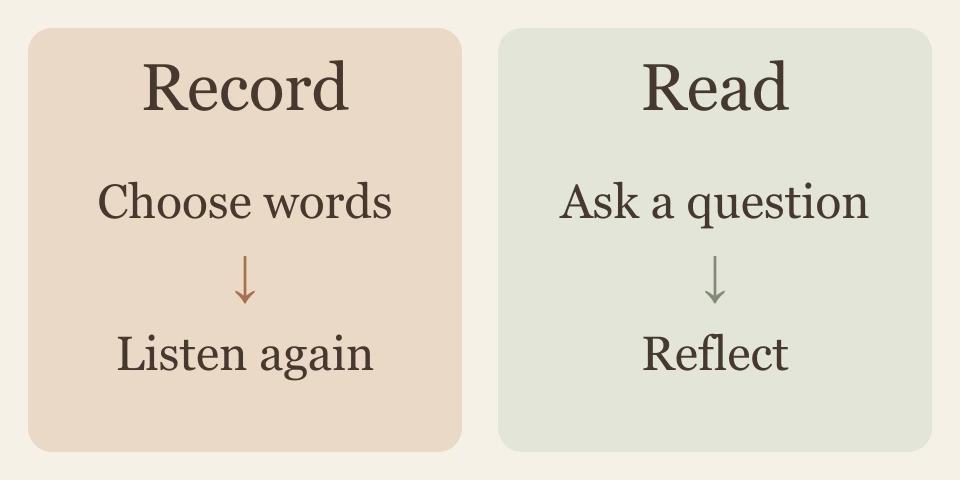
Record: choose words and listen again. Read: ask a question and reflect.
Two activities to compare. Editorial map; no measured timing or outcomes. Source: Luminora Team

Preparation and returning to a session

ThinkUp’s setup includes making a recording, so a place where you are comfortable speaking matters. Its Premium documentation includes more recording access, music choices, and a stop timer. Luminora’s documented entry points are reading in LEARN or entering a question in SEEK; saved quotes give you a way to return to a line. ThinkUp FAQ; Luminora FAQ.

Try these tasks where you actually expect to use the app. If you intend to listen while the screen is locked, test that behavior before paying; we did not verify background playback. If you intend to read without a connection, test that separately too. A store description of a feature does not establish every offline or background condition.
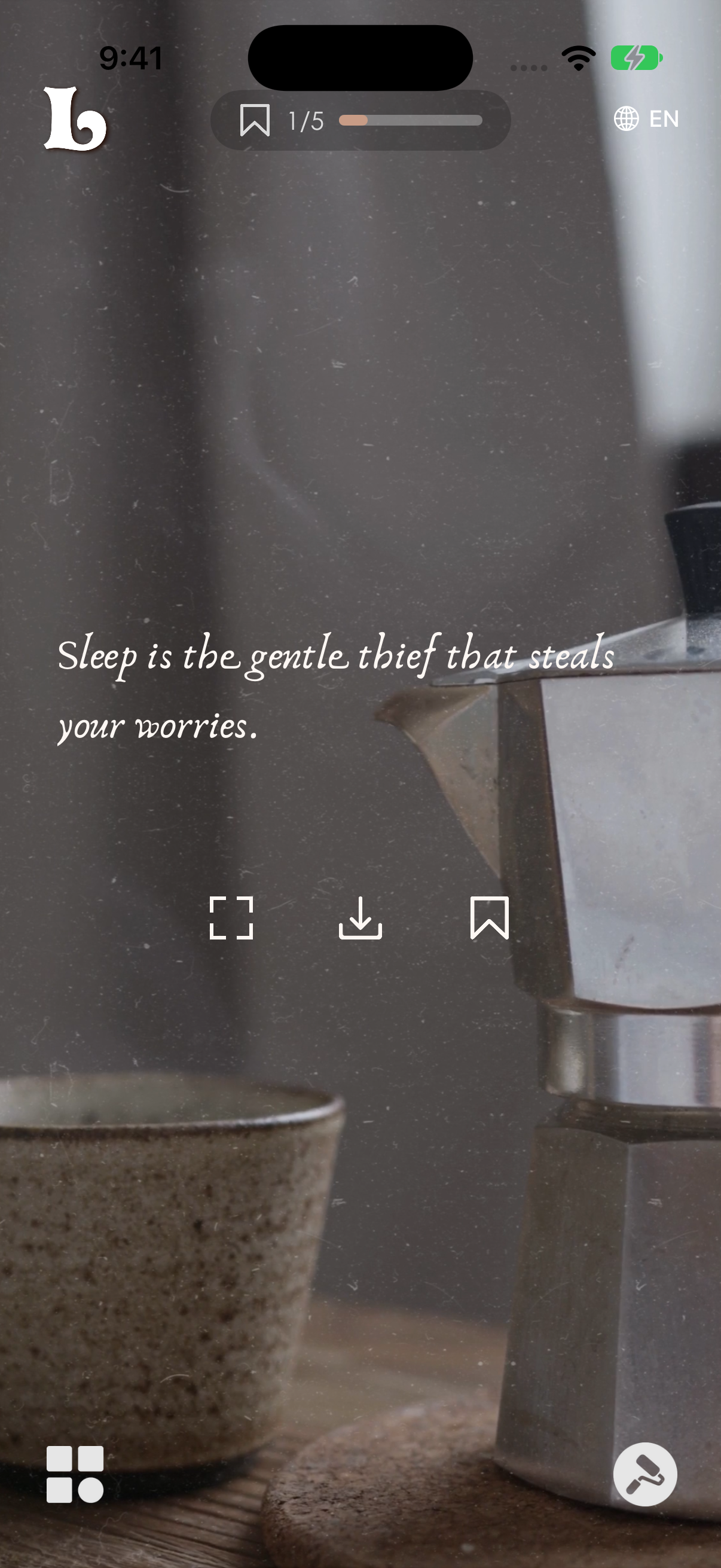
Luminora LEARN reading screen with language, save, and collection controls.
LEARN and its controls in Luminora 1.9. The current App Store version may look different. The displayed sentence is interface content, not a verified quotation or evidence of a sleep benefit. Source: Luminora Team.

US prices and what “free” tells you

On November 6, 2026, Luminora’s US listing showed Premium Monthly at $4.99 and Premium Yearly at $49.99. ThinkUp’s description and named purchase entries showed $7.99 monthly and $39.99 for one year. Those are listed options, not verified offers for your account. Luminora listing; ThinkUp listing.

ThinkUp needs an extra check: its store description says three free recordings, while its FAQ says four. The store also includes lifetime entries at $79.99 and $99.99. We cannot resolve that into one guaranteed allowance or lifetime price without the current in-app screen. Apple / Precise Wellness; ThinkUp.

Luminora is free to download, but that label does not establish how many SEEK questions or other actions you can use for free. Check the task you care about, the billing interval, any renewal price, and trial eligibility inside the app. Do not choose from a monthly-versus-annual number without first deciding how long you want access.

Language, saved content, and personal information

Luminora documents bilingual reading with translation availability varying by content. ThinkUp’s FAQ suggests translating sentences yourself before recording them. These are different language activities: reading an available translation versus speaking your own wording. Neither establishes a language-learning result. Luminora; ThinkUp.

Before entering personal material, read the app’s current privacy policy and check what happens to questions, recordings, and saved items. Ask whether you can keep the material you care about if you change devices or stop paying. We did not audit storage, export, synchronization, or security, and do not rank either product on privacy.

A useful reason to try each app

  • Try Luminora first if you prefer to read and consider a question, or want a quote on your Home Screen. Its official description supports those tasks; that is not a claim that ThinkUp lacks every reading feature.
  • Try ThinkUp first if the recording itself is what you want to create and return to. A quote feed would not answer that same request.
  • Keep your current tool if it already supports the activity you actually use. More features are not a requirement for a useful personal routine.

Questions before downloading

Is ThinkUp just an audio version of Luminora? No. The documented starting material and task differ: self-recorded affirmations versus quotations with optional question-led reflections. If the words themselves are the deciding factor, read our guide to affirmations and quotes.

Which app is better for anxiety or sleep? This comparison does not establish that. We reviewed product functions, not clinical outcomes. Luminora is for everyday reflection and does not provide therapy or medical treatment.

What if I want daily affirmations but do not want to record? The next comparison is Luminora vs I am, which covers I am’s affirmation format and documented Practice feature.

Try the reading task

If reading a quotation and reflecting on your own question sounds useful, explore Luminora through the App Store link below. Check the free experience before deciding whether Premium fits. Find the light within you.

Questions readers also ask

  • How do you choose a quote app?

    Compare the words, reminder controls, saved collections, and purchase terms that matter to your reading routine.

  • What should you check in a calm app for the daytime?

    Compare guided practice, everyday reading, and self-help prompts without treating a feature list as evidence of anxiety treatment.

  • Apps That Answer Your Question With a Quote, Compared

    Six iPhone apps let you describe a situation and get a quote back. They differ in where the quote comes from and what comes with it. Luminora, which we make, pairs the quote with a short reading and the story behind the line.

  • What are the alternatives to the I am app?

    Compare alternatives to Monkey Taps’ I am affirmation app by the task you want: reading quotes, asking for a reflection, recording your voice, or journaling.

  • What are the best affirmation apps?

    The best affirmations app depends on what you want to do with the words. Luminora, which we make, is for reading real people’s words with the story behind them. I am suits a daily feed, ThinkUp your own recorded voice, Innertune listening, and Daily Affirm a free widget with no subscription.

Sources (5)

  1. Luminora — US App Store · Apple / Luminora · ID 6752835470; listing 2.0.1; US iPhone/iPad. Listed purchases, not a checkout test.
  2. Luminora: features and access · Luminora · Current site facts; free task limits require the in-app offer.
  3. ThinkUp — US App Store · Apple / Precise Wellness · ID 906660772; listing 1.18.11; US iPhone. Description says three free recordings; FAQ says four.
  4. ThinkUp: free and Premium features · ThinkUp · FAQ has a conflicting free recording limit. Its marketing claims and old refund guidance are not adopted.
  5. ThinkUp official product site · ThinkUp · Product identity and official store link. Popularity and efficacy marketing excluded.

Topics in this article: App Comparisons & Alternatives