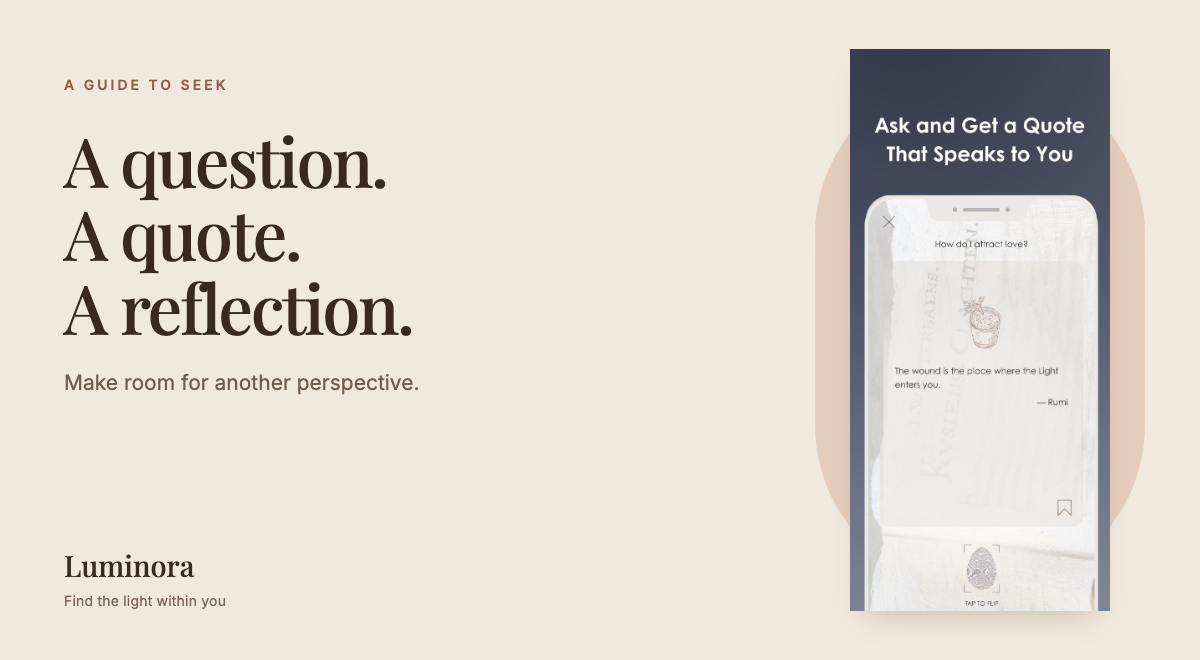

Luminora is an iPhone and iPad quote app whose SEEK feature pairs an everyday question with a quotation and an AI-assisted reflection called an Illumination. You can browse available Illuminations or ask your own question. Read the generated reflection separately from the attributed quote. The terms also describe a random I Ching hexagram element; the result is not evidence about what will happen next. [store] [terms] To see one all the way through, here is a real SEEK question and answer: the card, the quote and the background behind it, with the quote checked against the original poem.
Start with a question small enough to reflect on
Choose one ordinary situation and the choice within it. For example: “I keep putting off a creative project. What is one small way to begin today?” Our team wrote this example prompt for you to adapt.
A useful prompt names the situation without trying to fit your whole history into it. “I need a first step for a draft I have been avoiding” gives you something concrete to consider afterward. You do not have to disclose names, contact details, or another person’s private information to explore that question.
Submitted questions and reflections are processed by the service. Read the privacy policy before entering something sensitive. [privacy]
Open SEEK and ask your own
- Open SEEK to see the browsing page. The browse feed and your own question flow are separate entry points.
- Choose Ask your own to open the question screen.
- Type your question in the field labeled What’s on your mind? Review the wording, then use the ask control beside the field.
- Allow the response to finish loading before leaving the screen or sending the question again. If a limit or upgrade prompt appears, read it before continuing.
The current terms describe unlimited SEEK questions as a Premium feature. Check the allowance and any offer shown in your app before submitting a question. [terms]
Read the response and the quotation separately
An Illumination combines several kinds of text. The response addresses the question you entered. The quotation is attributed to an author. Context or biographical text can help you investigate that attribution, but it is not the original work itself. Read each part for what it is.
Use Tap to Flip to reach the quotation side of the card. Every card has Context there, so read beyond the short line for the author, a short biography and a note on where the line comes from. If you want to quote the passage in an essay or share it as a verified quotation, locate the original book, poem, interview, or other primary source first. A name displayed in an app does not settle authorship.
Then ask yourself: Which part fits my situation? Which part does not? What small action is mine to choose? A response can be interesting without being an instruction to follow. For the creative-project example, you might choose to open the draft and write a rough first sentence.
Save a line you want to revisit
On the quotation side, use the bookmark control to save the reading card. Look for the filled bookmark and save confirmation. Revisit saved reading through LEARN’s collections and Favourites. Saving a card and sharing it to the community are different actions.
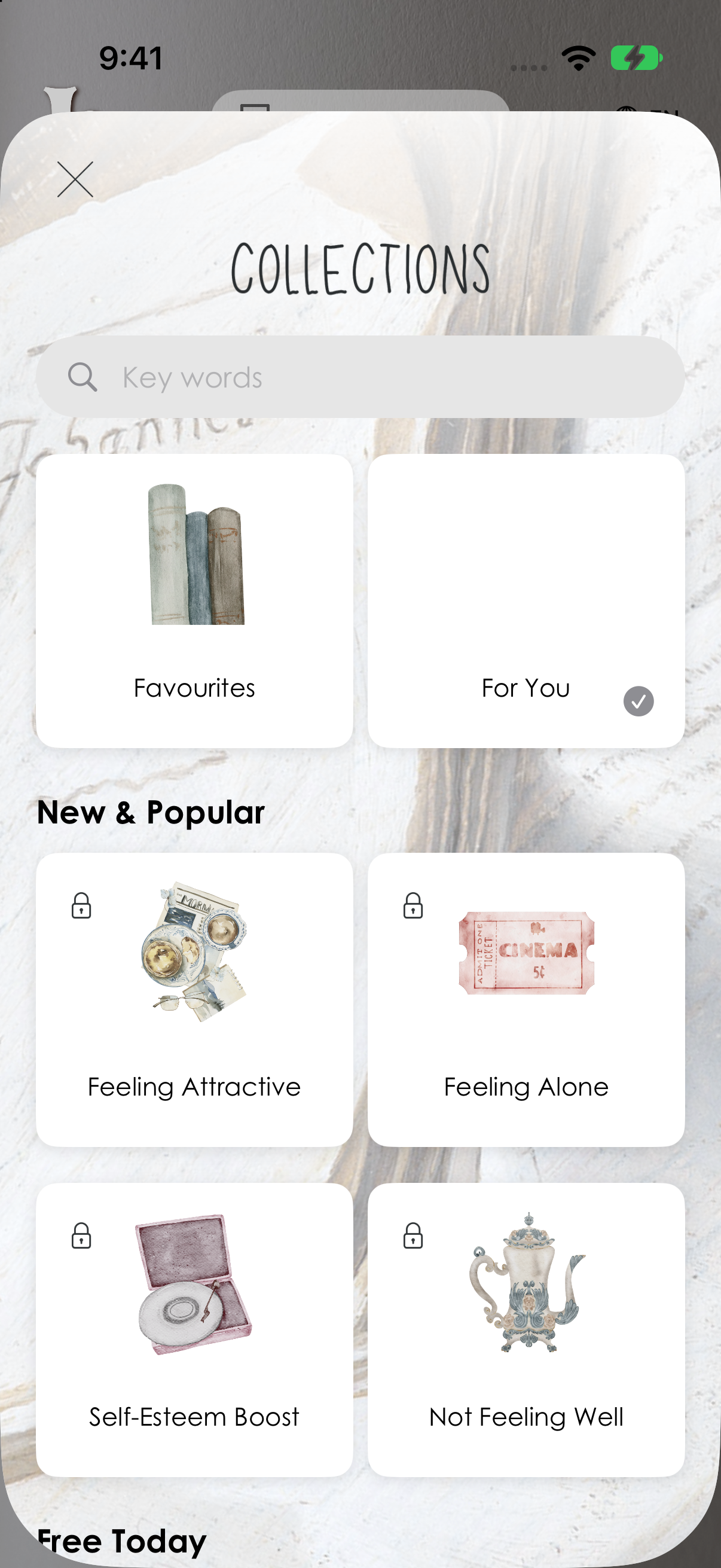
Before choosing Share to Community, review both the question and the response. A personal bookmark is enough when you only want to return to the words yourself. You can finish this walkthrough without publishing your question.
If an answer does not arrive or does not fit
Check the connection and the message on the screen. A loading or error state is not a completed Illumination. Avoid sending the same prompt repeatedly while a request is in progress; return to the existing item when the app makes it available.
If the response misses your situation, you can leave it behind. SEEK is for reflection, and Luminora’s terms say it is not a medical, psychological, or crisis-response service. A generated interpretation also cannot verify facts about another person or predict a decision’s outcome. [terms]
A useful stopping point
You do not need to keep asking until a card supplies certainty. One question, a careful reading, and a small action you choose can be a complete session. If you prefer starting with a quotation rather than entering a question, open LEARN instead.
Want to begin with a passage instead? Follow the English–Spanish reading routine, or keep a line nearby with the iPhone widget guide. To try SEEK, use the App Store link below. Luminora is free to download with in-app purchases; check current access and offers in the app. Find the light within you.