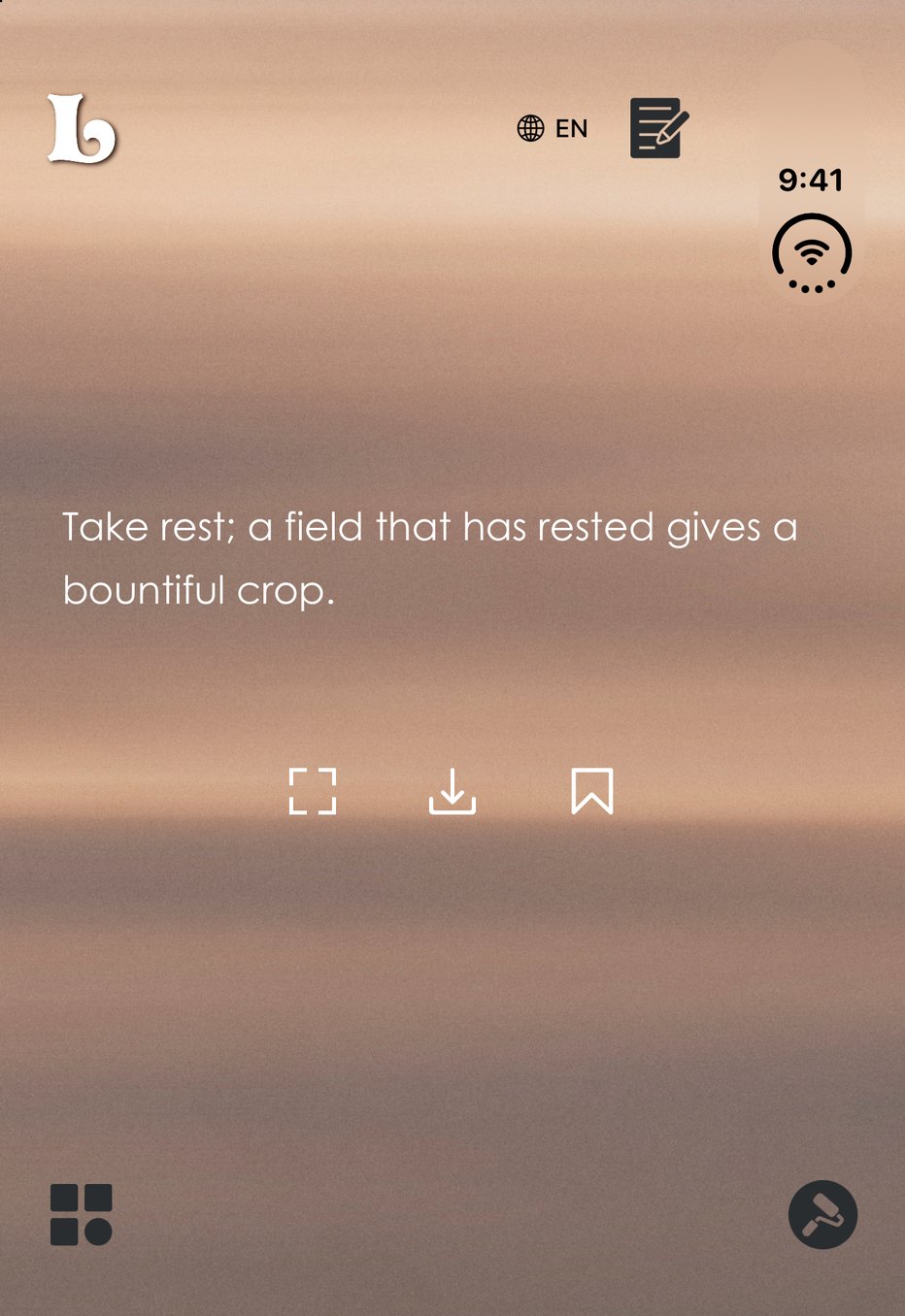
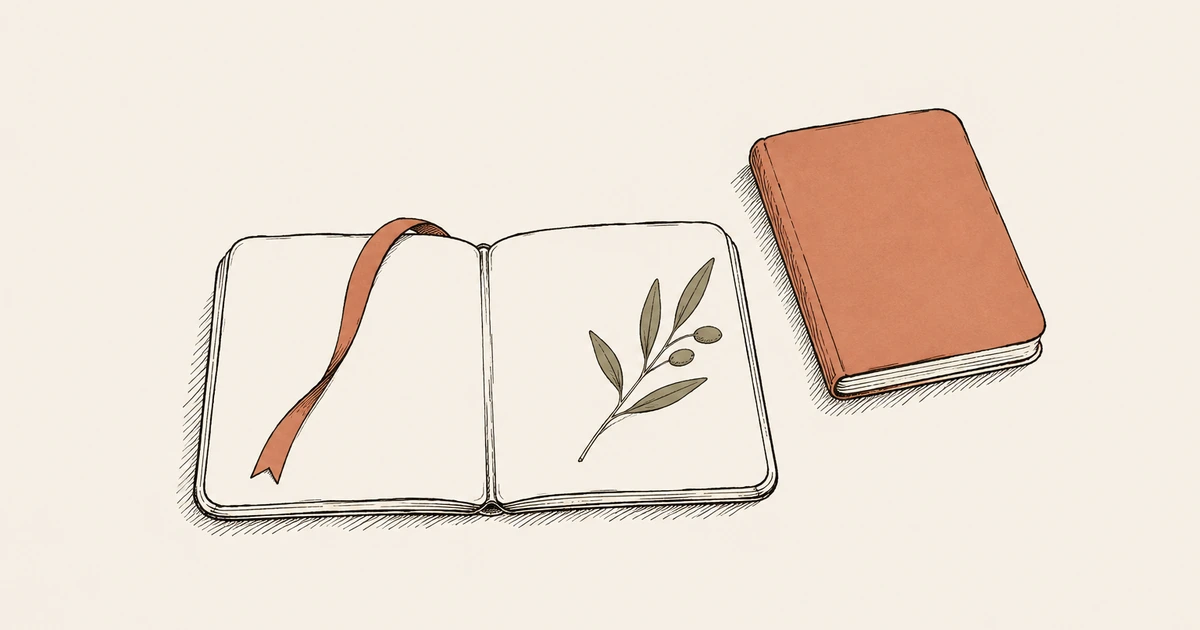
On iPhone Duo, Luminora opens like a book. Held open, the quote sits on the left page and the story behind it on the right. Closed, the outer display shows the app as it looks on any iPhone. It is the same app.
Open: the quote on one page, its story on the other
On an iPhone, a literary quote in LEARN has a Context button: tap it and a sheet slides up with the source of the line, a note on what was happening, and a short biography of the author. [1] On iPhone Duo held open, you do not need to tap. The quote stays on the left page and its Context is already open on the right, so you read the line and where it comes from together.
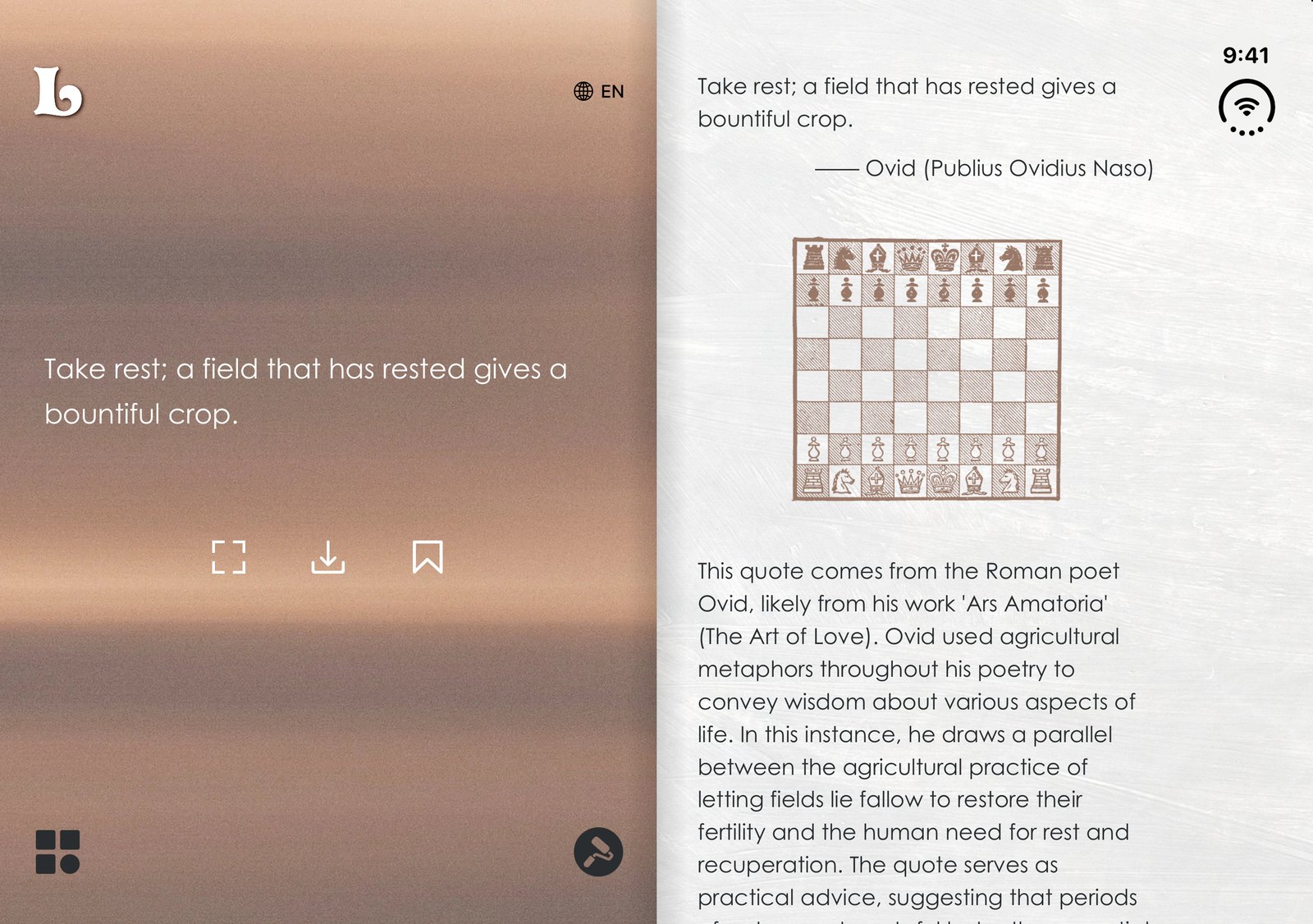
Lines without an author, the short reflections in LEARN, keep the right page quiet: the line again and an engraving, with no background note, because there is no source to explain.
Closed: the app you already know
Fold the phone and Luminora moves to the outer display. Everything is where it is on an iPhone: the quote in the middle, the language button and Context at the top, collections and themes at the bottom.
One painting across both pages
Luminora’s screens sit on paintings and photographs. On the inner display, the welcome screens, ASK and the SEEK card draw one wide picture across both pages, with its middle on the hinge, so the two pages read as a single spread. Still themes in LEARN use a wide version of their wallpaper, and live themes keep playing. Buttons are kept off the hinge.
Themes and collections
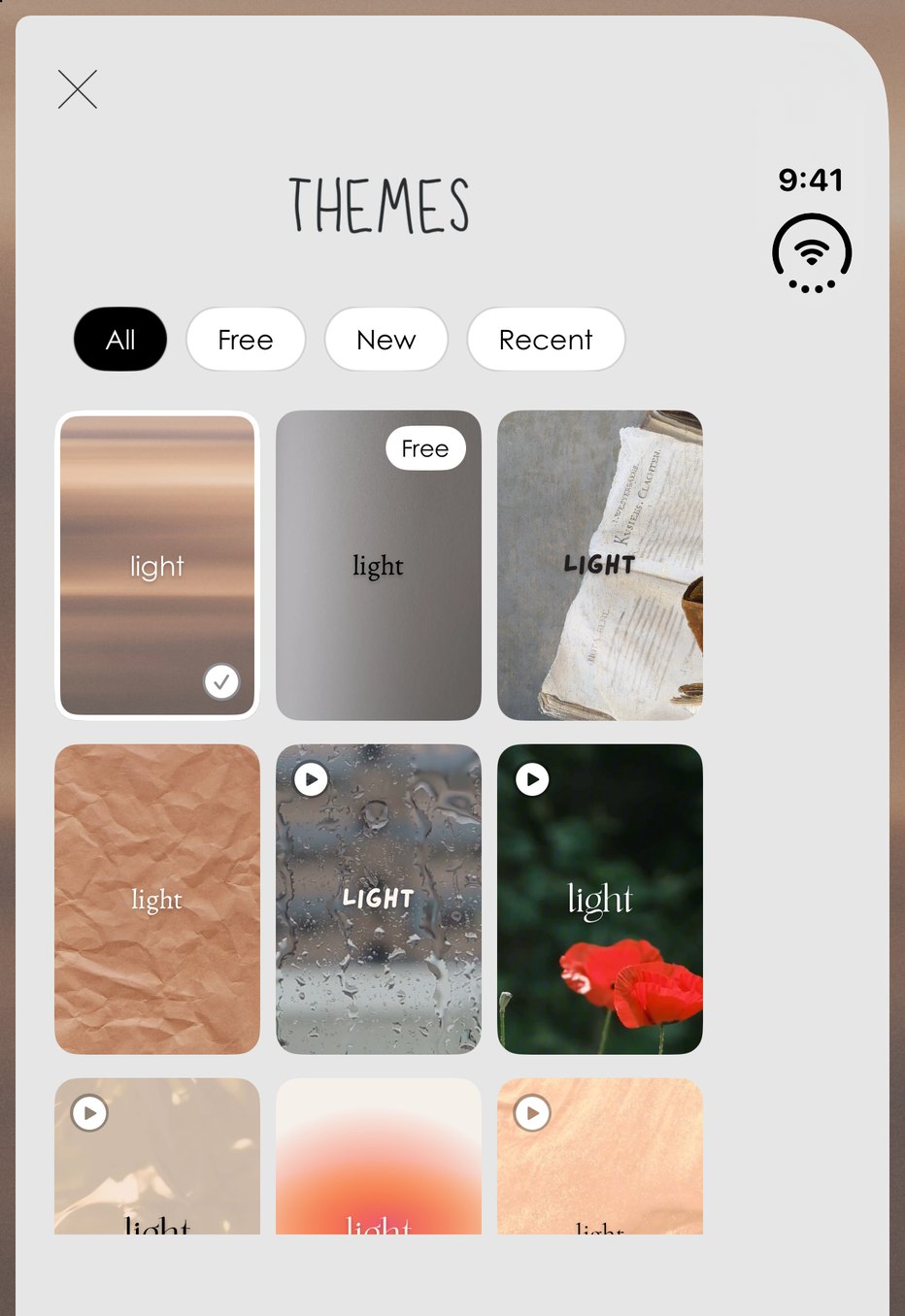
Themes and collections open the same way on both displays.